Lodestar

We manage
your universe.

A managed service for the screens you already own. Change menus, prices and specials across every venue from head office, while we set it all up and keep them running.

  • Works with your existing screens
  • A trial before any contract
  • Monitored seven days, tickets picked up within the hour
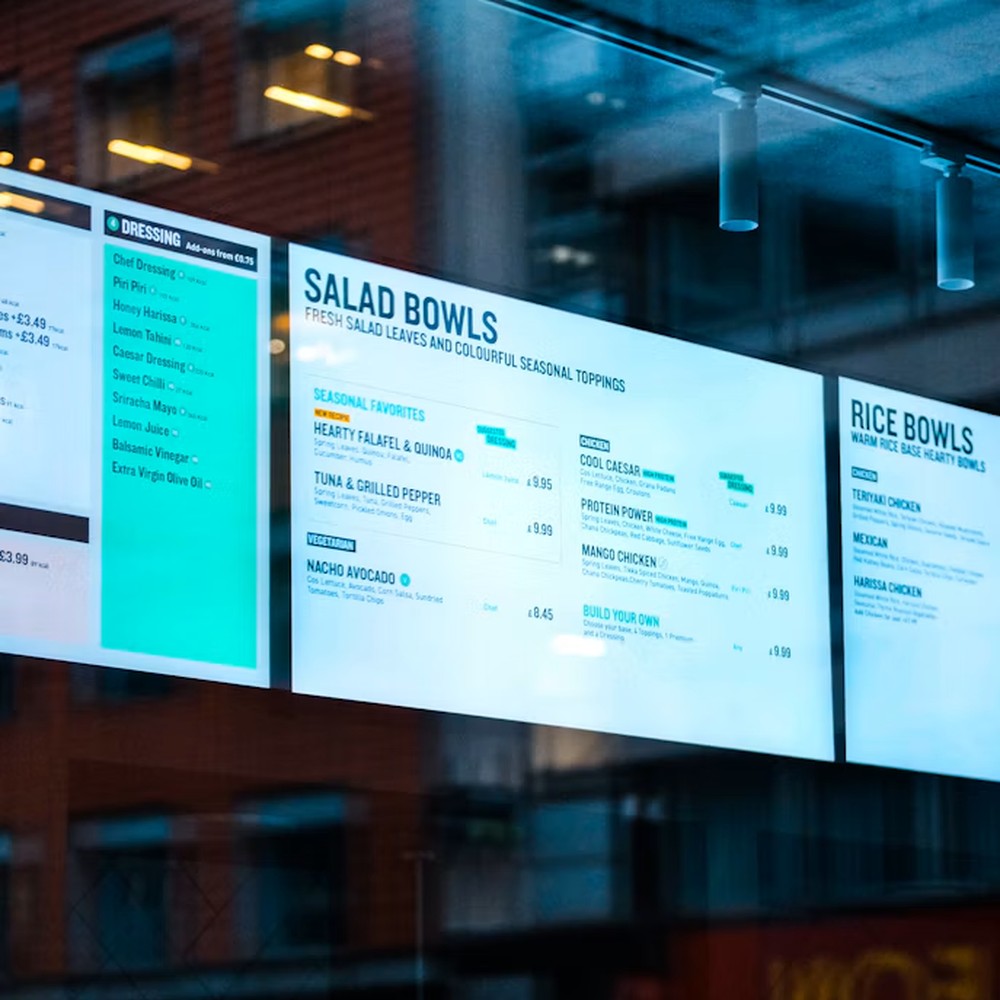
Digital menu boards lit up behind a restaurant window

Meet Lodestar.

Close-up of a person looking up

One fixed point.
Every screen aligned.

A lodestar is a guiding star. For centuries sailors steered by Polaris, the north star, because it holds its place in the night sky while every other star turns around it.

Lodestar does the same job for your screens. Head office decides what every screen shows, in every venue, from one place. We set it all up, keep the screens running and fix problems before your customers notice.

Founded by James Rowlings, with 20 years in screens and media. James has held senior roles at oOh!media and APN Outdoor and was part of the founding team that built ABODE Media’s luxury digital out-of-home network in London.

The problem

What are your screens really costing you?

Staff time swapping USB sticks, or monthly fees for a system that could cost less.

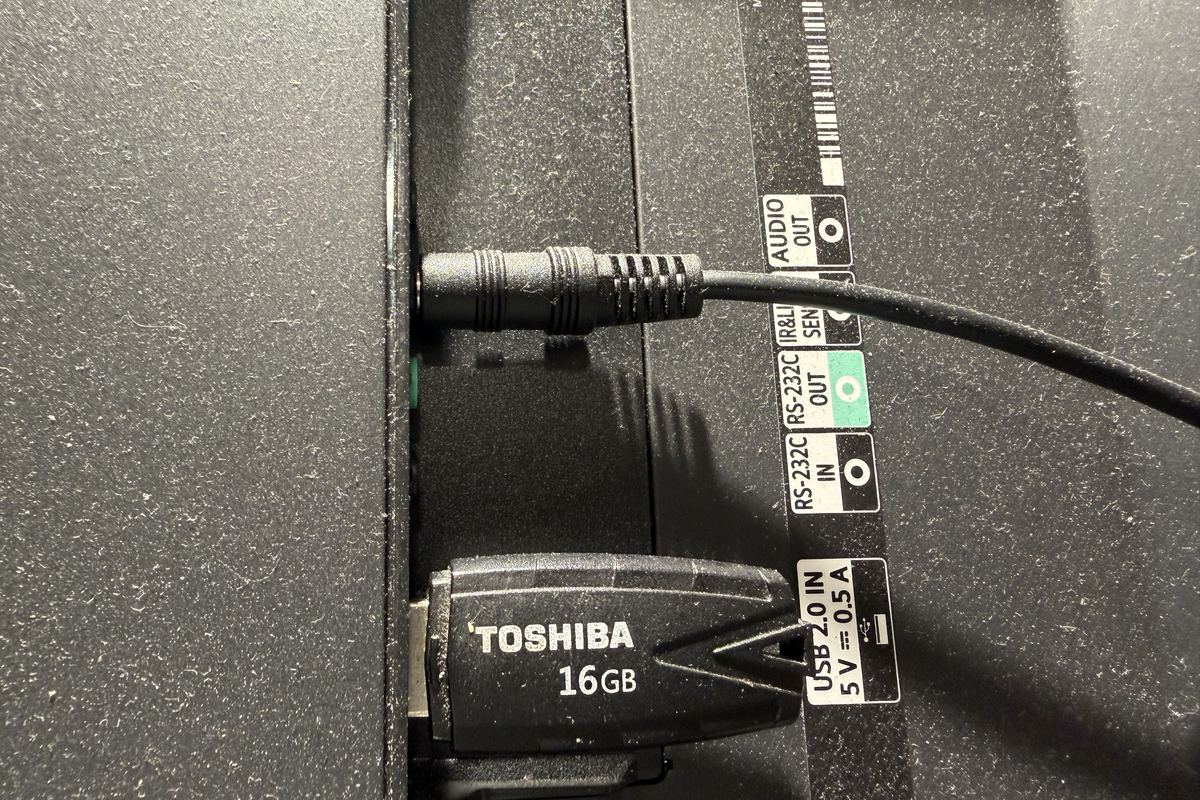
A USB stick plugged into the back of a menu screen
One USB stick for one screen. Multiply that by every venue.
  • Updated by hand

    Staff swap USB sticks, screen by screen.

  • Out of sync

    A price or menu change reaches some venues and not others.

  • No visibility

    You find out a screen is down when a venue calls in.

  • Paying too much

    A monthly fee per screen that's higher than it needs to be.

The platform

Run every screen from one place.

Publish once from head office. Every screen updates.

Network overviewPublish to 24 venues
Online screens71
Offline1
Venues24
Last publish2 min ago
Venues
VenueScreen 1Screen 2Screen 3
CentralMain menuSpecialsVideo content
RiversideMain menuSpecialsVideo content
NorthsideMain menuSpecialsVideo content
Showing 3 of 24 venues · 72 screens
Up nextHappy hour goes live at 4:00pm on Screen 2 in 24 venues
Now playing · Central
Screen 1Main menu
Menu board
Prices from POS
Screen 2Specials
Menu board
Prices from POS
Screen 3Video content
Looping video
Scheduled 11am to close
Northside, Screen 3 offline for 4 minutes
Sample dashboard with example data.

*Currently with Square POS. We’ll confirm your setup in the free audit.

For your IT team: secure connections, a platform independently audited to SOC 2 and screens that keep playing if the internet drops.

Who it's for

Businesses with screens across multiple venues.

Hands dipping a chip into sauce against a blue tiled wall
QSR
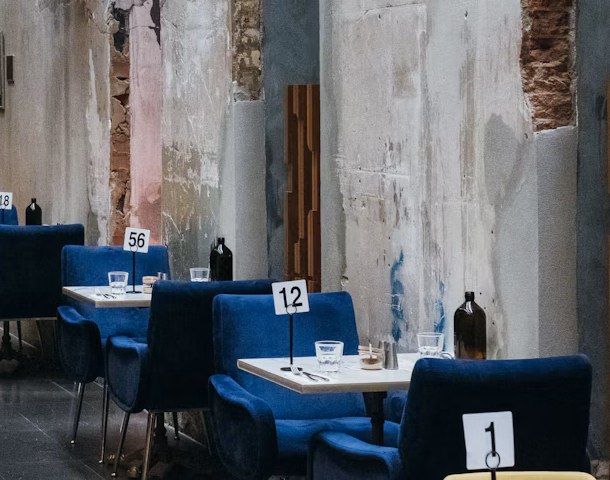
Blue velvet chairs and set tables in a restaurant with exposed brick walls
Restaurants
French toast with banana and blueberries
Cafés

Getting started

Where are your screens today?

Whichever is closest, we move every venue onto one system and run it with you.

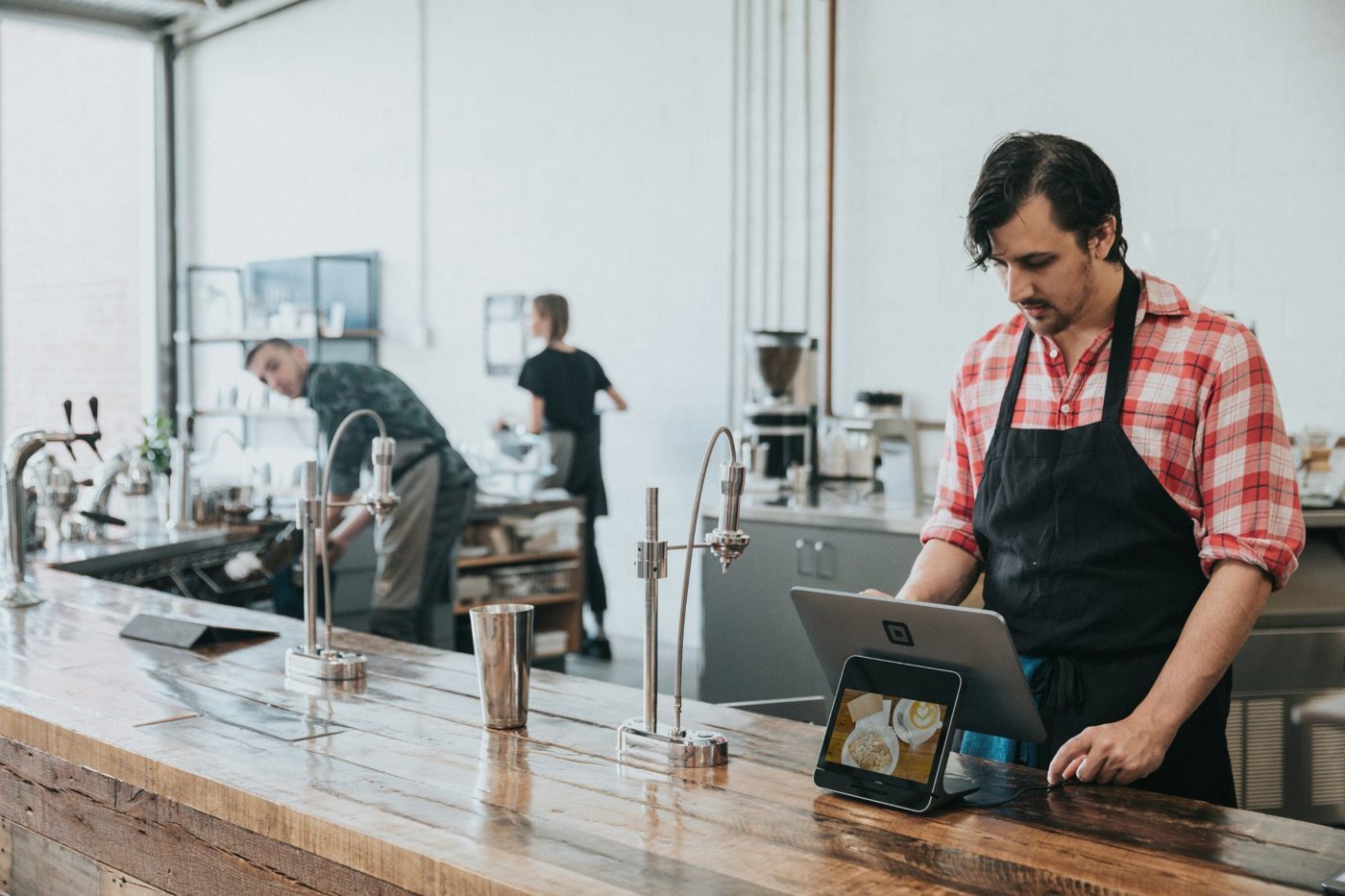
A cafe worker at a counter using a point of sale tablet
  1. We connect your screens to one system. Your next menu change goes out from head office, not store by store.

    TodayFiles emailed, sticks swapped screen by screen
    With LodestarOne change from head office reaches every screen
    Get off USB sticks: book a free audit
  2. If it’s hard to use, poorly supported or only half your venues are on it, we move you across and look after your screens for you.

    TodayA system head office doesn’t really use
    With LodestarEvery venue on one system, with one team looking after it
    Switch to one system: book a free audit
  3. Already connected? Schedule menus, launches and promotions months ahead, with branded templates for every screen.

    TodayContent updated when someone remembers
    With LodestarThe year planned ahead and every launch live on the day
    Do more with your screens: book a free audit

Questions

Do we need new screens?

Usually not. Many commercial screens run Lodestar directly. Some need a small media player and the audit tells you which.

What happens if the internet drops?

Every screen keeps playing what it last received and catches up when the connection returns.

Who makes the content?

Your team does, using your own branded templates. Head office uploads it once and it goes to the screens you choose.

Do we have to sign up to try it?

No. Every rollout starts with a trial before any contract.

How does a rollout work?

Trial, test, agree, roll out.

Is it secure?

Screens only make outgoing, encrypted connections, so no changes to your network are needed. The platform is independently audited to SOC 2.

Free audit

Start with a free screen audit.

A free audit gives you:

  • A list of your current screens and systems
  • A review of how content is updated today
  • Recommended options and a practical next step
  • An outline of likely costs

Audits are done in store, usually just before opening so there's no disruption to service. How long one takes depends on your setup, access and number of screens.

After the audit we’ll recommend the best venue for a trial and agree the access we need. No obligation.

james@lodestarscreens.com  ·  +61 432 381 148

Name, business and email are all we need to start.

We only use these details to reply to your request.

Every screen in your universe.